Automation
Tasks
Create, organize, and run automation tasks on latency's cloud engine — they keep running when you close the browser.
Create a task
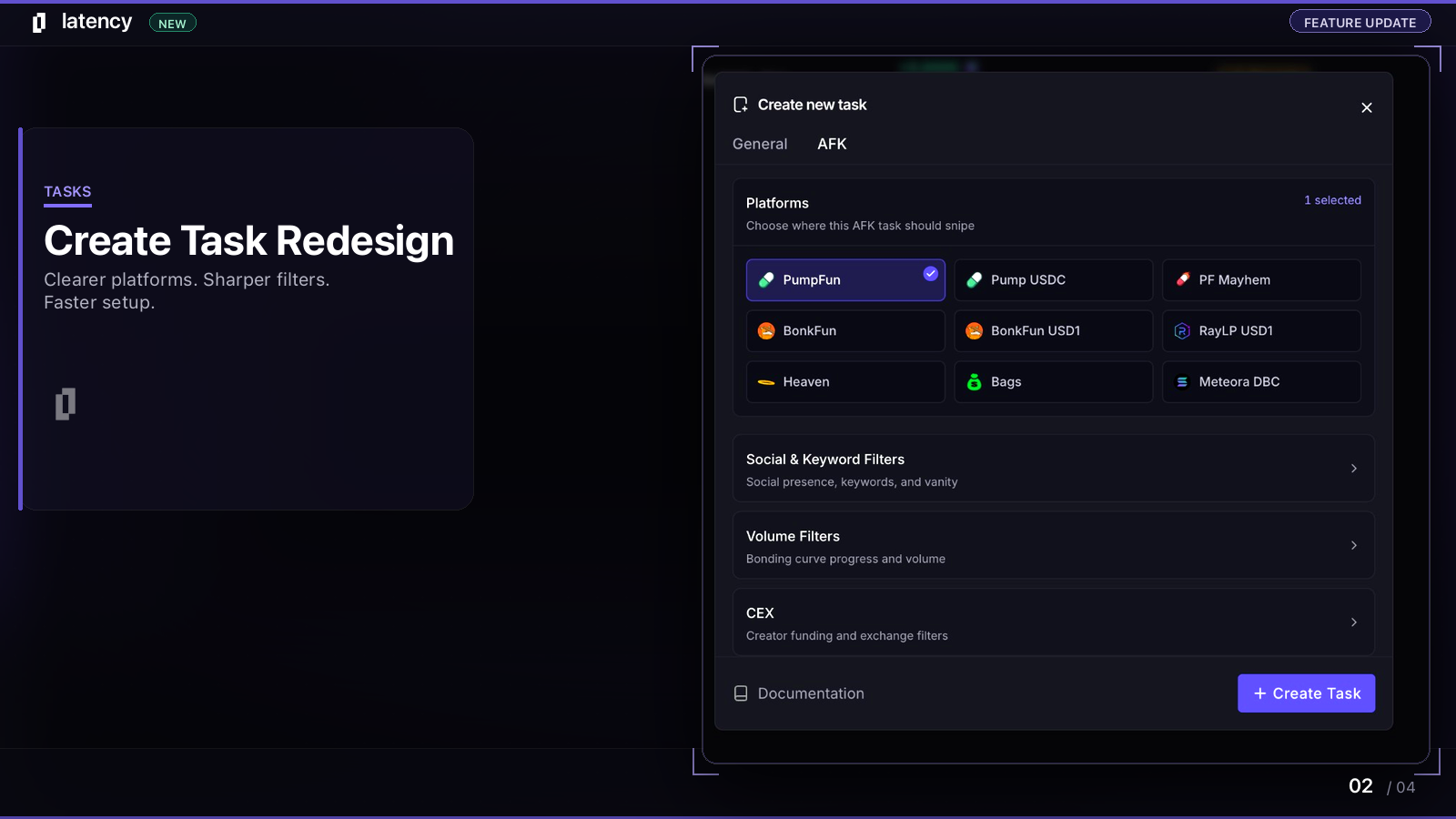
- 1
Open Tasks
Navigate to Tasks and click Create new task.
- 2
Choose a module
Pick Copy Trade to mirror wallets, or AFK to snipe launches with filters.
- 3
Configure wallet and size
Assign a wallet, set SOL amount per trade, slippage, and fees.
- 4
Start
Save and start the task. It runs on the cloud engine immediately.
Task groups
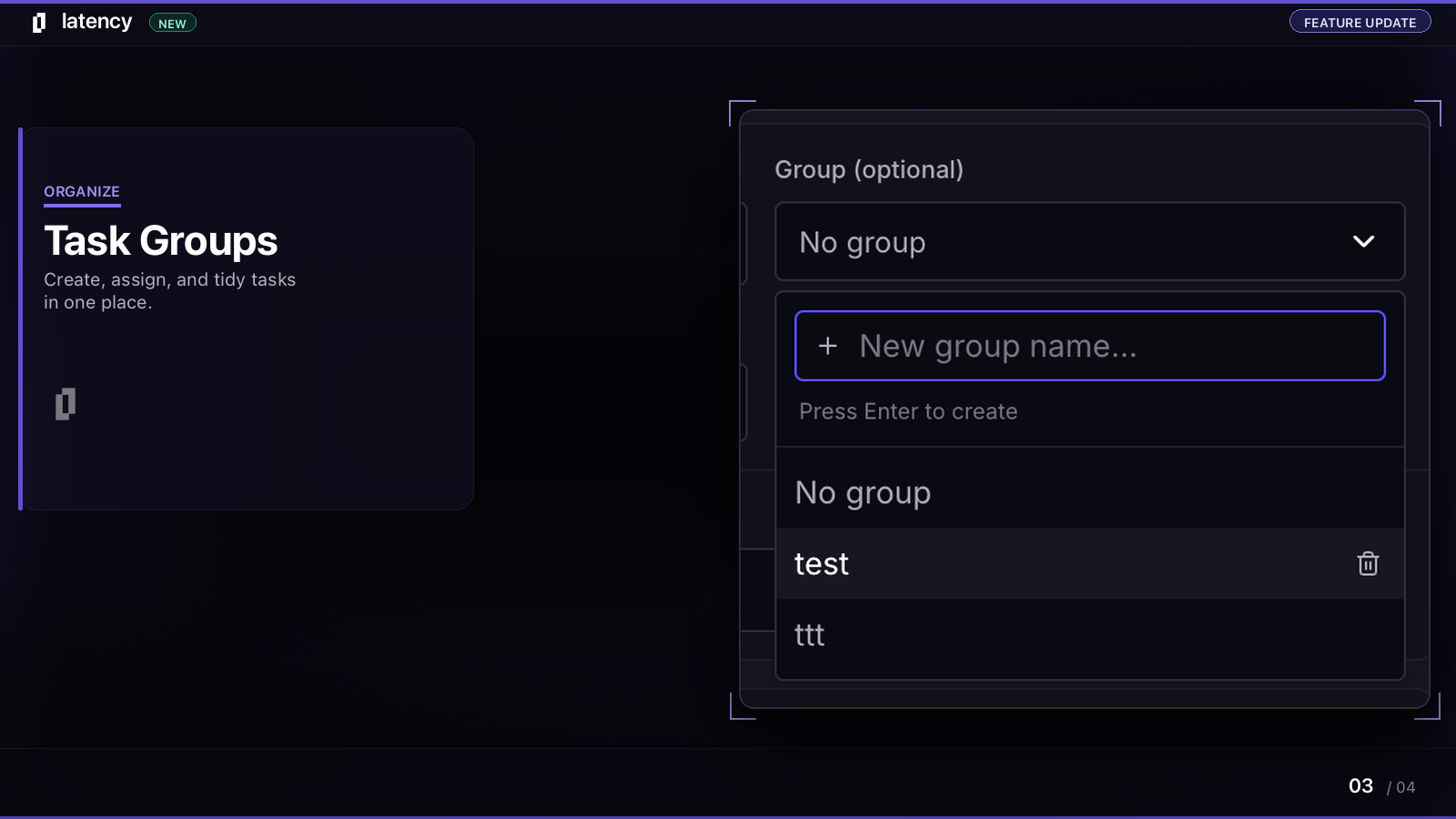
Create groups on the fly from the group dropdown. Assign tasks, rename groups, and delete empty ones.
Start, stop, and logs
- Start / Stop — toggle any task without deleting its configuration.
- Logs — view execution history, errors, and fill details per task.
- Test mode — run a task in simulation before going live with real SOL.
Tasks run on latency's cloud engine 24/7. Close the browser tab and your tasks keep monitoring and executing until you stop them.